
Odoo 20 Is Here: What UAE Businesses Should Check Before Upgrading
The headline is AI in every app. The detail worth reading is how it's billed.
Introduction
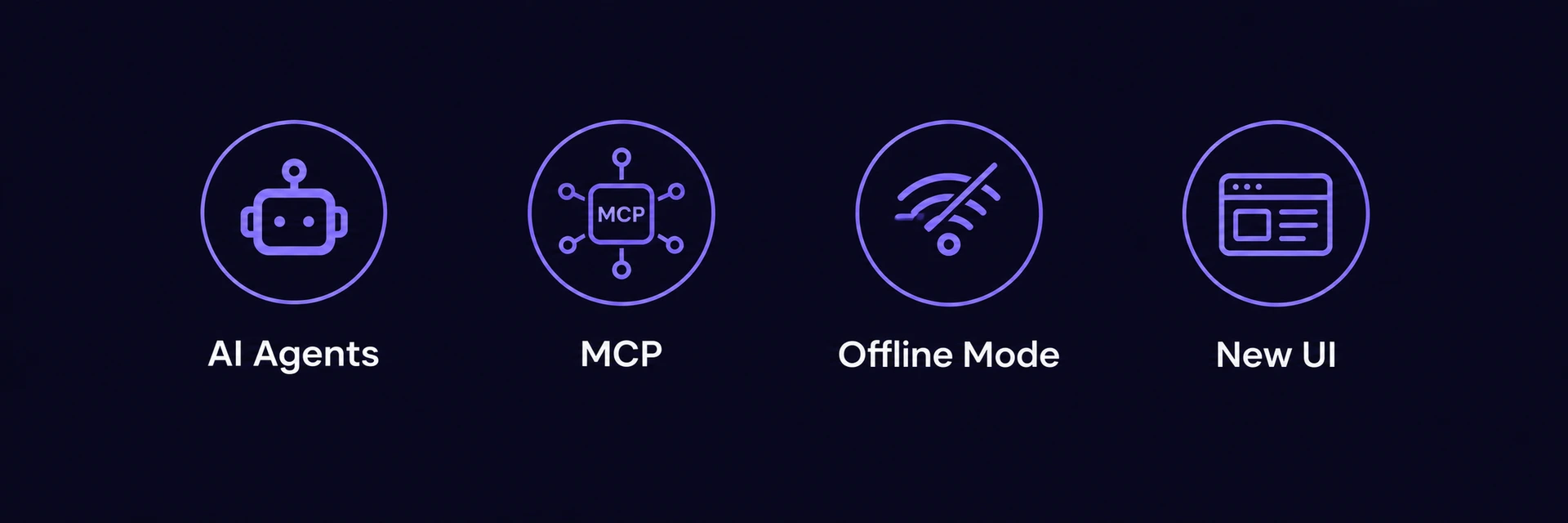
Odoo 20 was presented at Odoo Experience 2026 in Brussels on 24 September. The release notes describe AI agents that run inside automated actions, a Model Context Protocol (MCP) connection for external AI tools, full offline mode, and a redesigned interface. For any business already on Odoo, or evaluating it, the real question isn't whether these features exist. It's what they change about the upgrade decision.
What Actually Shipped
AI agents in Odoo 20 can execute multi-step tasks from a plain-language instruction, not just answer questions. The system reads and writes data within existing access rights, and automatically selects which AI model handles a given task. MCP connectivity lets external AI assistants query Odoo data directly, without a custom middleware layer. Offline mode now covers viewing, editing, and creating records, syncing automatically once connection returns.
The Detail Most Announcements Skip
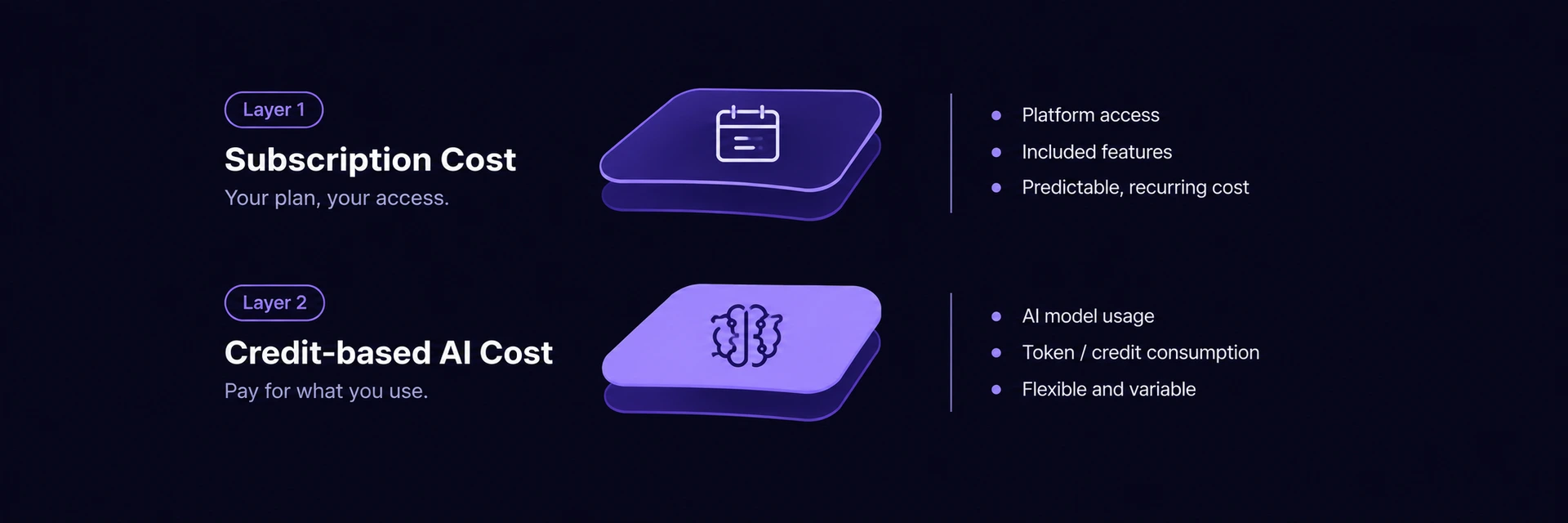
Every AI feature in Odoo 20 runs on credits, purchased as in-app purchases. AI being built into the core product, the point raised when Odoo 19 shipped AI into CRM and sales, doesn't mean AI is free to run. It means the cost moved from a separate vendor's invoice to a metered line item inside Odoo itself. For a business already paying for a third-party AI add-on, the upgrade question isn't just feature parity anymore. It's whether Odoo's own credit consumption ends up cheaper or more expensive than what's being replaced.
What to Check Before Upgrading
Estimate AI usage before committing. Credit consumption scales with how many AI agents run and how often, not with headcount, so a rough estimate based on current automation needs prevents a surprise on the first invoice.
Audit what Field Service changes. Field Service is no longer a separate app; its functionality, live map, route planning, worksheets, travel fees, now lives inside Planning. Any workflow or report built around the standalone app needs to be checked against the merged structure.
Confirm MCP fits an existing AI stack. Businesses already running external AI tools or building automation around Odoo gain a standardized connection method, removing the need for custom middleware, but only if the existing stack supports MCP.
Treat the interface change as a training item. A redesigned interface with new navigation patterns is a small but real adjustment cost for teams used to the previous layout.
Conclusion
Odoo 20's direction, AI built into the core rather than bolted on, continues what Odoo 19 started. The difference worth planning around is the billing model, not the feature list. Our Odoo ERP implementation and enterprise software consulting teams can help map current AI and automation costs against Odoo 20's credit model before you commit to an upgrade timeline.
FAQs
It was presented at Odoo Experience 2026 in Brussels on 24 September 2026, with general availability expected in the following weeks.
No. AI features are built into every app, but running them consumes credits purchased as in-app purchases, billed separately from the base subscription.
It was discontinued as a standalone app. Its features, including the live map, route planning, worksheets, and travel fees, are now part of the Planning app.
Model Context Protocol is a standardized connection that lets external AI assistants and automation tools query Odoo data directly, without custom-built middleware.
Odoo 20's offline mode covers viewing, editing, and creating records generally, syncing automatically once the connection returns.
Not automatically. The credit-based AI billing model changes the cost calculation from Odoo 19, so estimating actual AI usage first is worth doing before committing to a timeline.